
gallery-dl vs youtube-dl: Which Should You Choose?
gallery-dl and youtube-dl are both local command-line downloaders, but they solve different problems. Choose gallery-dl when the source is an image gallery, profile, or collection; choose youtube-dl when the source is a YouTube-first video workflow. This guide compares the boundary between them so you can test the right extractor instead of forcing the wrong tool.
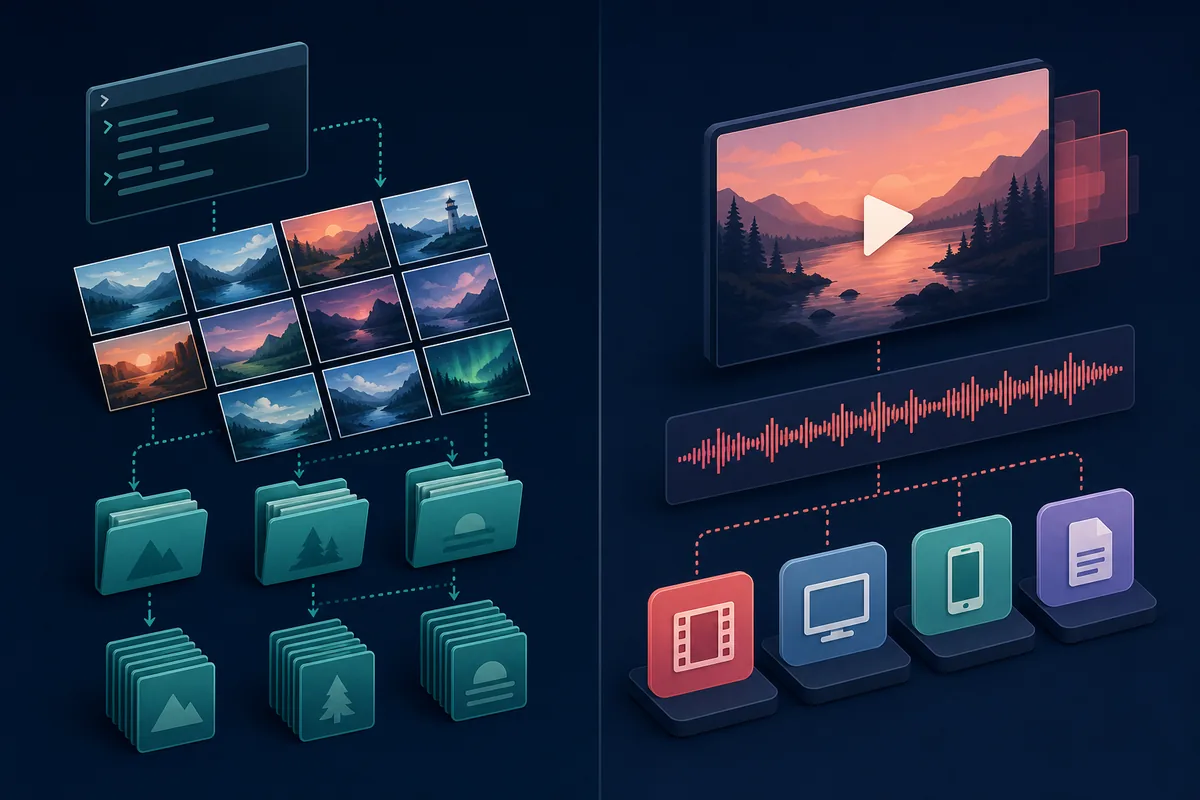
For image galleries, artist profiles, and collection-style pages, start with gallery-dl and verify the URL in its supported-sites documentation. For YouTube videos or playlists, start with youtube-dl or another current video-focused tool. When the URL is unfamiliar, run a small simulated request first; popularity is not a substitute for extractor support.
gallery-dl vs youtube-dl starts with the source site
The cleanest way to compare gallery-dl vs youtube-dl is to identify what the URL represents before choosing a command. gallery-dl is a strong fit for image galleries, profiles, posts, and collections where filenames, folders, metadata, archives, and repeat runs matter. youtube-dl is oriented toward downloading video and audio from YouTube and other video sites documented by its project.
That boundary is more useful than a simple list of features. A tool can have a familiar command-line shape and still fail because its extractor does not recognize the URL. Check the current upstream support list, keep the first run small, and treat a successful simulation as evidence for that URL type rather than a guarantee for every page on the same domain.
gallery-dl vs youtube-dl feature comparison
The table below is a decision aid, not a promise that every site behaves identically. Both projects are version-sensitive, and a platform change can make an older command stop working. Use the official documentation and the output of the version installed on your own device as the final check.
The related search phrases around YouTube playlists and videos are best treated as scope questions, not as evidence that gallery-dl is a general YouTube downloader. If the current supported-sites list does not recognize a YouTube URL, switch to a video-first tool rather than adding increasingly complex gallery-dl options.
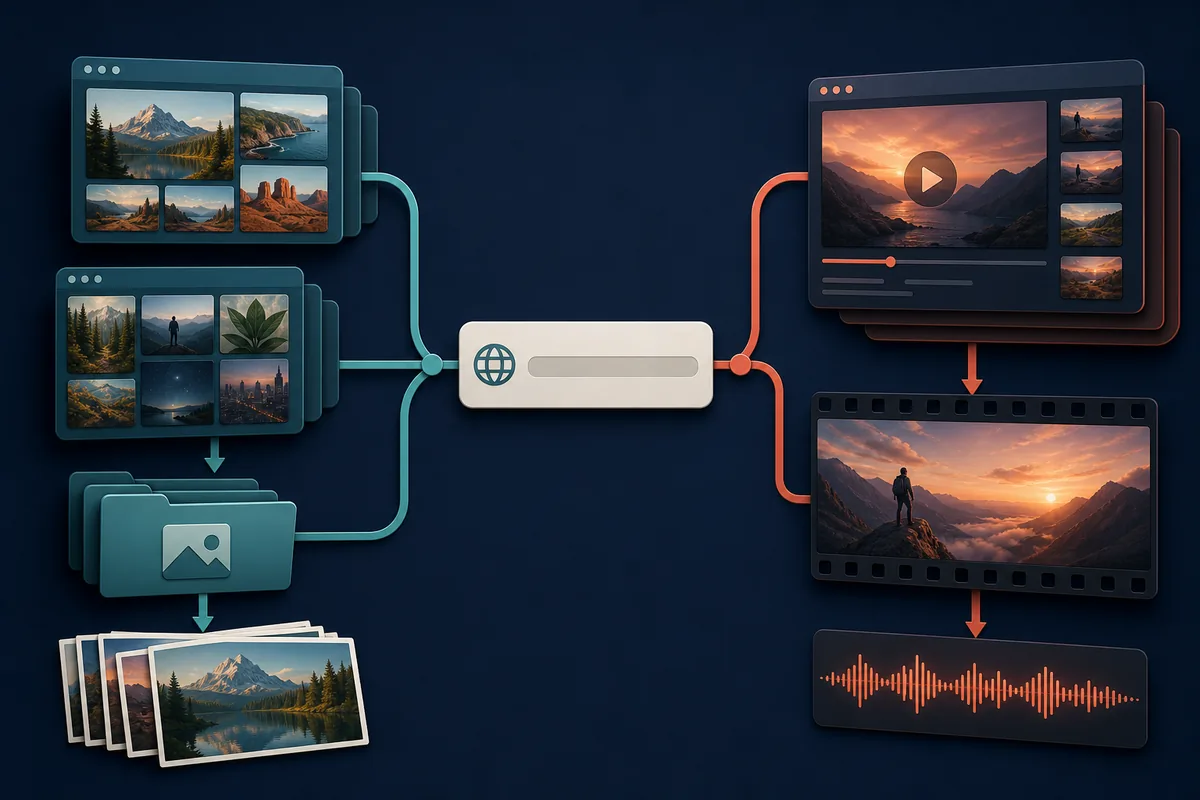
| Decision factor | gallery-dl | youtube-dl |
|---|---|---|
| Best starting point | Image galleries, artist pages, profiles, and collections | YouTube videos, playlists, and video-first pages |
| Typical output concern | Stable folders, filenames, metadata, and download archives | Video/audio format, quality, container, and playlist behavior |
| First verification | Check the gallery-dl supported-sites list and run --simulate | Check the youtube-dl project documentation and run --simulate |
| When authentication matters | Use only documented local browser or account flows for content you may access | Use only the authentication options documented by the project and the site |
| Repeat-job mindset | Build a reviewed config and archive around an image collection | Save format and playlist choices around a video workflow |
| Main limitation | Not a universal YouTube video downloader | Not the natural first choice for image-gallery organization |
Choose gallery-dl for image galleries and collections
gallery-dl is the better first choice when the job is to preserve many images from a supported gallery-like source. Its practical value is not only the initial request: a destination structure, filename format, metadata, range, filter, and download archive can be reviewed and reused for later runs.
Start with a public URL that you are authorized to access. Run a simulation, inspect the recognized extractor and metadata, then save a small range to a controlled folder. Add browser cookies only when the normal public request cannot reach content your own account is allowed to view.
- Use gallery-dl when the unit you want to organize is a set of images, not a single video stream.
- Confirm the exact URL pattern in the current supported-sites reference; a domain appearing in a list does not mean every page type works.
- Use --download-archive for repeat jobs, but remember that an archive records completed IDs and is not a backup of the media.
- Inspect -K metadata before writing a filename filter that assumes a field exists on every extractor.
Choose youtube-dl for YouTube video workflows
If the target is a YouTube video or playlist, youtube-dl's official project documentation is the more natural starting point because the workflow is video-first. The important decisions are usually format, quality, audio handling, playlist scope, subtitles, and where the resulting media should be stored.
Do not turn a failed gallery-dl test into a long chain of guesses. Check the video tool's current documentation, simulate one URL, and review the selected format and destination before downloading. If the project or site has changed, re-check the release and support notes instead of trusting a command copied from an older post.
- Use a video-focused tool when the search intent is a YouTube video, playlist, audio track, or format choice.
- Keep playlist tests small and explicit so an unexpected URL expansion does not create a large job.
- Review the selected format and output path before a real download, especially when a command is copied from another system.
- Treat authentication, copyright, and platform terms as separate questions from whether a URL is technically reachable.
A safer first-run workflow for either tool
The same disciplined sequence works for both tools: verify the installed release, use a URL you are allowed to access, simulate the request, inspect what the extractor selected, choose a small range or one item, and only then add persistent configuration. This makes a failure easier to attribute to installation, URL support, authentication, configuration, or server behavior.
The terminal examples below are deliberately small. Replace the placeholder with a URL you control or may lawfully access, quote paths and URLs, and do not paste cookies, tokens, private profile URLs, or personal data into a shared log.

gallery-dl --simulate "URL"youtube-dl --simulate "URL"gallery-dl --range "1-10" --simulate "URL"| Step | What to check | Why it helps |
|---|---|---|
| 1. Version | Run the installed tool's version command | Prevents an older executable on PATH from confusing the test |
| 2. URL | Use one authorized, representative URL | Separates URL support from bulk-job complexity |
| 3. Simulation | Inspect the extractor, selected items, and messages | Shows what the tool believes the URL means |
| 4. Small run | Use one item or a narrow range | Keeps errors and storage impact manageable |
| 5. Persistence | Add config, archive, filters, or format rules one at a time | Makes later troubleshooting reproducible |
Check versions, support, and permissions before relying on a command
On October 3, 2026, this site verified gallery-dl 1.32.15 in the official PyPI metadata and checked the matching upstream Codeberg Windows and Linux release files. That is a dated verification point, not a permanent promise: release files, extractors, platform rules, and package behavior can change after publication.
A technically accessible URL is not automatically licensed for downloading or reuse. Follow the permissions, copyright, privacy, rate-limit, and platform rules that apply to the content. If a command exposes cookies, account names, private URLs, or local paths in its output, redact them before sharing a diagnostic report.
Choose the extractor that matches the source media: gallery-dl for supported image-gallery workflows, youtube-dl for documented video workflows. Verify the URL, version, permissions, and small simulated result before scaling up.
gallery-dl vs youtube-dl FAQ
Can gallery-dl replace youtube-dl for YouTube videos?
Do not assume that it can. Check the current gallery-dl supported-sites reference for the exact URL. For a YouTube video or playlist, a video-focused tool such as the documented youtube-dl workflow is usually the more appropriate starting point.
Which tool is better for image galleries?
gallery-dl is the better first choice when the source is a supported image gallery, artist profile, post collection, or similar image-oriented page. Confirm the URL pattern and run --simulate before saving files.
Which tool is better for video quality and format selection?
Start with a video-focused tool when format, quality, audio extraction, subtitles, or playlists are the main decision. Review the current project documentation because flags and available formats can change.
Can I install both gallery-dl and youtube-dl?
Yes. Keep their installation channels and executable paths clear, then run each tool's version command before a test. Choosing between them should depend on the URL and media type, not on which command happens to be first on PATH.
What should I do when neither tool recognizes a URL?
Stop repeated retries. Check the current upstream support documentation, confirm the URL is public or authorized for your account, test with configuration ignored, and wait for an official extractor or release update rather than forcing unrelated options.
Is gallery-dl 1.32.15 still the latest version?
This page verified gallery-dl 1.32.15 on October 3, 2026. Version-sensitive information becomes stale, so check the official PyPI or upstream release page again before treating the number as current.