This gallery-dl Instagram guide explains how to choose a canonical URL, simulate extraction, use a browser session you control, limit the first batch, protect repeat jobs with an archive, and separate access problems from configuration mistakes.
Posts and profile URLsLocal browser cookiesSmall-test workflow
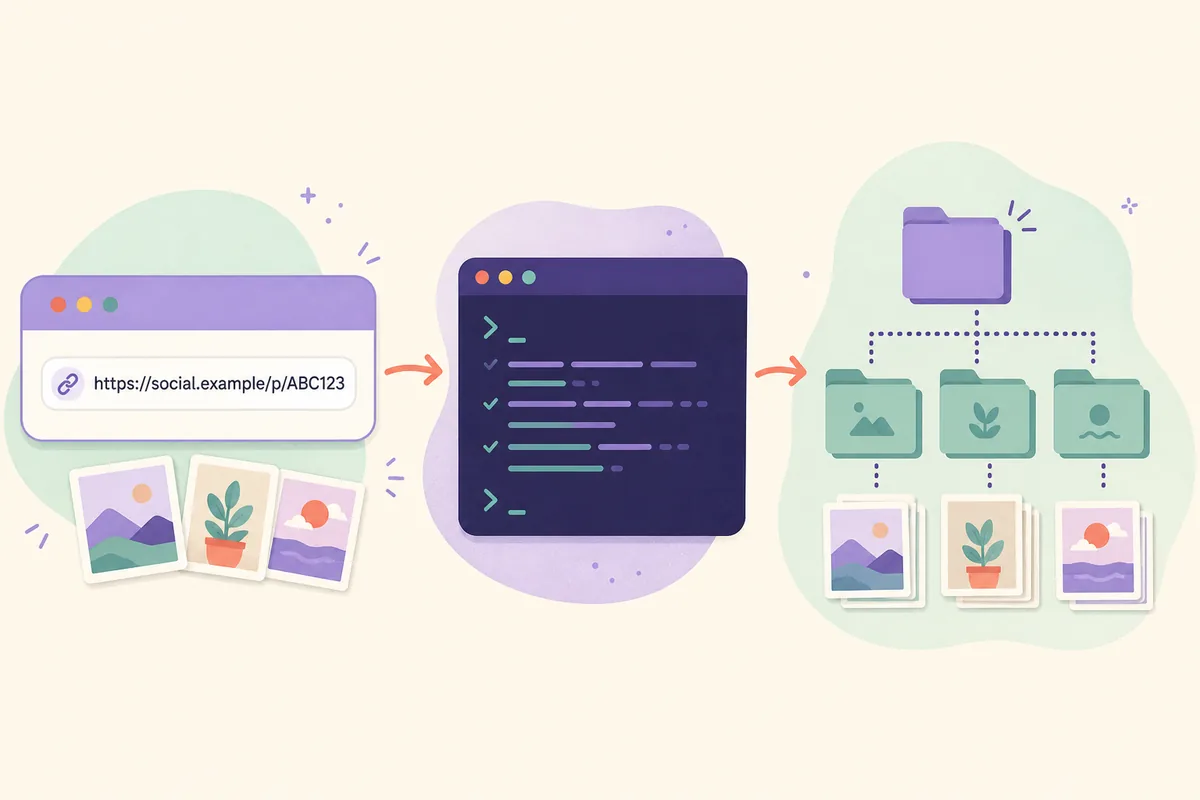
Illustration: gallery-dl works locally with the URL and optional browser session that you provide.Fast answer
Start with a canonical public Instagram post, profile, or media URL and add --simulate. If the extractor needs authentication, sign in normally in a browser profile you control and use --cookies-from-browser. After a small successful test, add a stable archive and move only reviewed settings into your config.
VERIFY THE TARGET
Start with a canonical Instagram URL and --simulate
A gallery-dl Instagram job begins with the exact URL type you want to inspect. Use a public post, profile, or media URL copied from the normal Instagram address bar. Avoid shortened links, tracking wrappers, mobile redirects, and URLs copied from a private message until you have confirmed the canonical page in your own browser.
The first command should normally be a simulation. It lets the installed extractor identify the URL and list the files it would select without writing media. This separates installation, URL recognition, access, and output decisions before a larger download makes the diagnosis harder. Quote the URL so shell characters are not interpreted by the terminal.
POST_ID and USERNAME are examples, not ready-to-run values. Use a URL and content you are authorized to access, then inspect the simulated output before removing --simulate.
MATCH URL TO SCOPE
What the current Instagram extractor can handle
The upstream supported-sites reference lists Instagram as a supported extractor and identifies Cookies as an authentication method for the capabilities shown there. That is useful planning evidence, not a promise that every Instagram page, account state, region, or URL variant will work today. The installed release and the exact URL remain the executable evidence.
Treat the page type and the requested media scope as separate decisions. A public single post is a good first test. A profile, reels page, stories view, saved collection, or other personalized surface may require a valid session and may expose a different set of metadata or access rules.
Single posts
Use one public post when you need the smallest possible diagnostic. Confirm the extractor name, selected media, filename, and destination before testing an account-wide URL.
Best first URL for a clean simulation
Easy to compare with --config-ignore
Useful for checking metadata with -K
Profiles and media pages
A profile or media URL can select many items and may require authentication. Start with a narrow range rather than letting the first test walk the entire account.
Use a small --range
Review replies, videos, and duplicates
Keep one stable archive for repeat jobs
Reels, stories, and personalized areas
These areas are more sensitive to login state, expiration, privacy, and platform changes. Verify the current upstream capability and simulate the exact URL instead of inferring support from a different Instagram page.
Cookies may be required
Access is limited to what your account can view
Do not treat a visible URL as permission to reuse content
URL or goal
First test
Authentication note
One public post
--simulate URL
Often the clearest anonymous diagnostic
Profile or media page
--simulate --range 1-10 URL
May need browser cookies; review scope
Reels or stories
Simulate the exact URL
Session, expiry, and availability can differ
Metadata or filter design
-K URL
Confirm fields before writing filters
AUTHENTICATE LOCALLY
Use browser cookies without sharing secrets
When Instagram refuses an anonymous request, sign in through the normal website in a browser profile you control. Confirm that the exact target opens there, then point gallery-dl at that local browser profile. The command reads local cookie storage; it does not require pasting raw cookie values into gallery-dl.wiki or a public support thread.
Close the browser completely when its cookie database is locked. Choose the profile that contains the active session and remember that cookies cannot grant access your account does not already have. Expired sessions, suspicious-activity challenges, private accounts, regional behavior, and changed request rules can still cause a failure.
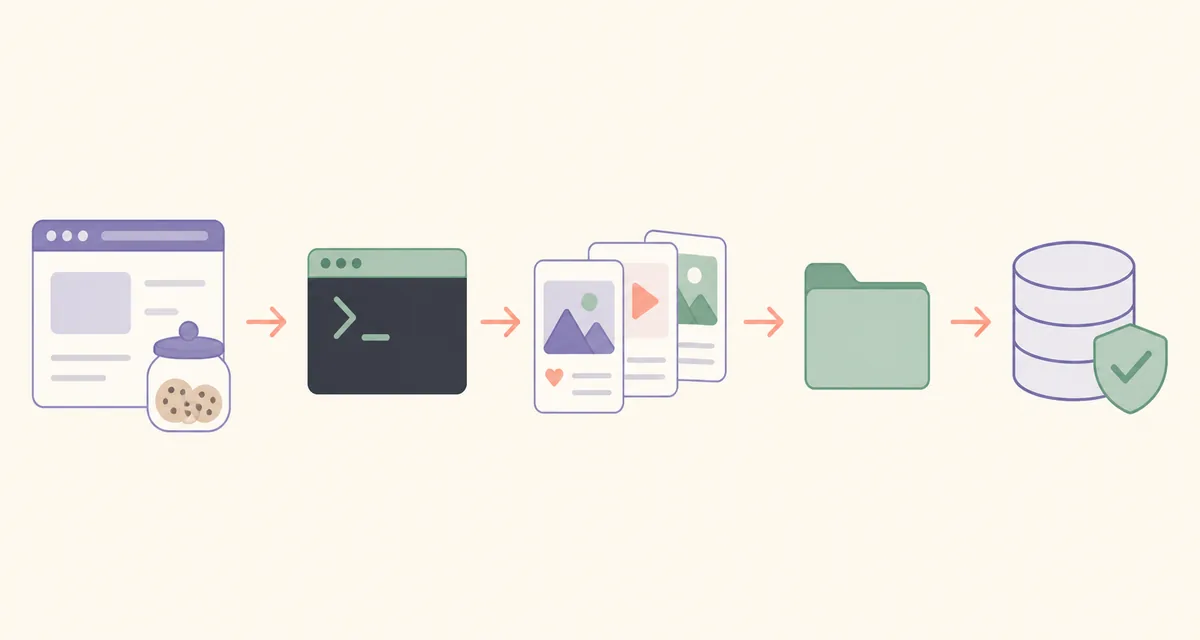
Illustration: keep the browser session local, simulate first, then add a small range and archive.
Never publish cookie databases, cookie paths, session identifiers, browser profiles, or unredacted logs. Redact local usernames and private URLs before asking for help.
CONTROL THE RUN
Build a repeatable Instagram download job
After a simulation succeeds, keep the first real run intentionally small. Use --range for a profile or collection, choose a predictable base directory, and inspect the first output paths. This reveals whether the extractor is including videos, repeated media, or a scope you did not intend before storage grows.
For recurring work, add --download-archive with a stable local path. The archive records successful extractor identifiers and skips matching items on later runs even when filenames change. It is duplicate protection, not a backup of your media. Back up the archive with the job notes that explain which URL and settings it belongs to.
Keep experimental values on the command line because they are easy to see and remove. Move stable choices such as base directory, filename rules, archive path, cookie selection, and request timing into a reviewed configuration only after a limited command behaves as expected.
A configuration file can affect every matching request, so a copied filter or filename expression may silently select nothing when an extractor exposes different metadata. Use -K to confirm fields, validate JSON, and compare one run with --config-ignore whenever the result differs from the command you can see.
A public config example should contain no cookie values, passwords, account tokens, private URLs, or personal browser paths. Use placeholders and review every option before running it.
SEPARATE THE FAILURE MODE
Troubleshoot login, suspicious activity, rate limits, and duplicates
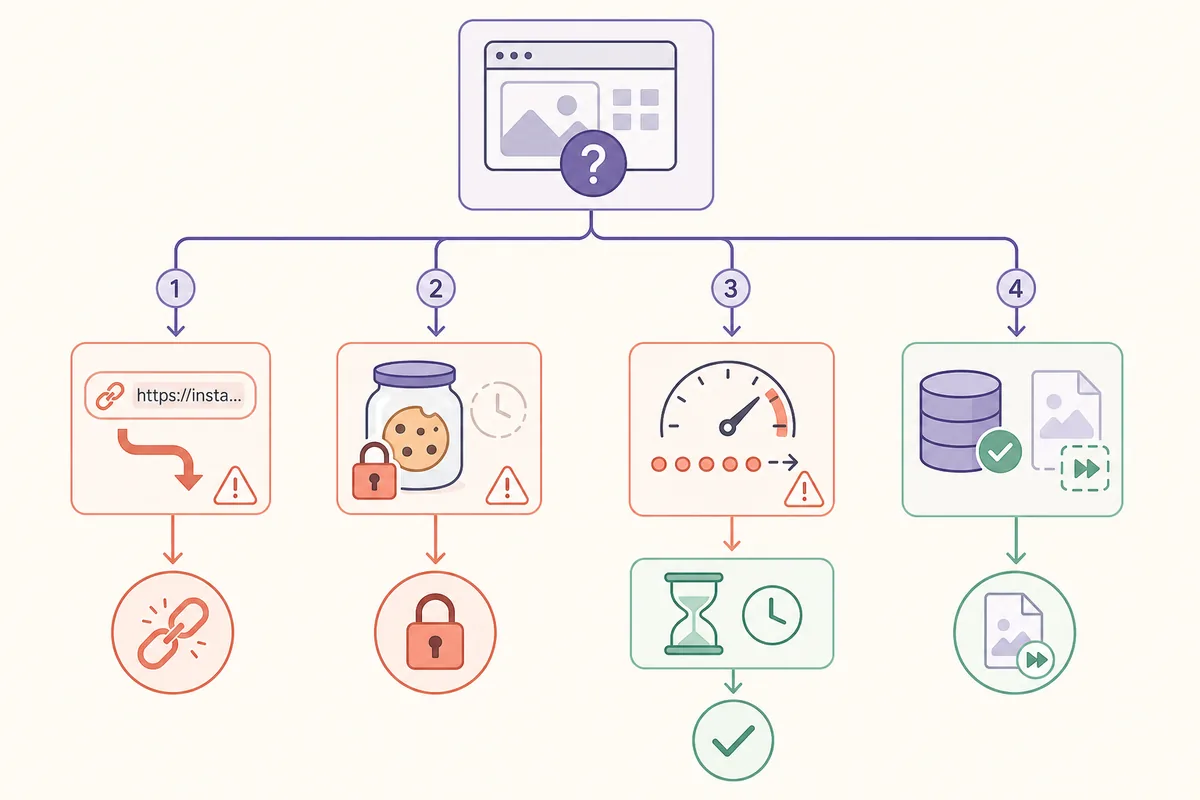
Do not treat every Instagram error as a missing command flag. First compare the exact URL in a normal browser, then run a clean simulation with configuration ignored. If the clean request works but the normal command fails, inspect the config, filters, archive, and browser profile one at a time.
A locked or expired cookie store is different from a rate limit. A rate-limit response needs time and fewer repeated requests, not a parallel retry loop. An empty result can mean a wrong URL shape, unavailable content, a restrictive filter, or an archive that already contains the item. Record the version and exact URL type before changing several variables together.
Illustration: isolate URL, session, pacing, and archive causes instead of changing every option at once.
Symptom
First check
Safe next step
Unsupported or empty result
Copy the canonical URL and run -E or --simulate
Test a public post before a profile
Cookies required
Open the target in the selected browser profile
Refresh the normal session and close the browser before retrying
Suspicious activity or HTTP 429
Stop repeated requests and check pacing
Wait, reduce scope, and review current upstream guidance
Everything is skipped
Inspect the archive path
Use a separate diagnostic archive only when you understand the result
Config changes the result
Run --config-ignore
Remove one suspect key from a temporary copy and retest
USE RESPONSIBLY
Know the limits before downloading at scale
gallery-dl is a local downloader, not a permission system. Download and reuse only media you are authorized to access, respect privacy, copyright, platform terms, account permissions, and rate limits, and do not attempt to bypass a login challenge or access control. Technical accessibility is not a license to republish content.
Version-sensitive extractor behavior can change when Instagram changes its website or request rules. This site checked the official PyPI metadata and upstream release files on August 6, 2026; the verified version was gallery-dl 1.32.9. Recheck the official release, supported-sites reference, and your installed `gallery-dl --help` output whenever a previously working command changes.
Use the official upstream support list as the capability reference.
Keep the first test public, small, and simulated.
Never share cookies, tokens, private archive contents, or unredacted logs.
Do not describe a generated command as pre-approved; review paths, scope, filters, storage, and permissions first.
FAQ
gallery-dl Instagram FAQ
Does gallery-dl work with Instagram?
The current upstream supported-sites reference lists Instagram and shows Cookies for the authentication capabilities in that row. Your installed version, exact URL, account state, region, and current platform behavior still determine the result, so simulate the exact URL first.
How do I use gallery-dl for Instagram without sharing cookies?
Sign in normally through a browser profile you control, confirm the target page opens there, and use --cookies-from-browser with that browser. Keep cookie databases, session identifiers, profile paths, and logs private.
Can I download an Instagram profile with gallery-dl?
A profile or media URL can select many items and may need authentication. Start with --simulate and a small --range, inspect the first output paths, and add a stable --download-archive before expanding the job.
Why does gallery-dl return an empty Instagram result?
Check the canonical URL, extractor recognition, login state, filters, configuration, and archive. Compare the normal command with gallery-dl --config-ignore --simulate and add one setting back at a time.
How do I avoid downloading the same Instagram files twice?
Use --download-archive with a stable local archive path. It records successful extractor identifiers and skips matching items on later runs; it is not a backup of the downloaded files.
What should I do about Instagram suspicious activity or rate limits?
Stop repeated requests, reduce the scope, wait, and verify the normal browser session. Do not run parallel retry loops or assume that a different flag can bypass a platform challenge. Check current upstream release and issue guidance if the behavior persists.
Which gallery-dl version should I use for Instagram?
The version verified for this page on August 6, 2026 is gallery-dl 1.32.9 from official PyPI metadata and upstream release files. Recheck the official release and your installed gallery-dl --version before relying on a version-sensitive extractor behavior.