
gallery-dl Pixiv Guide
This gallery-dl Pixiv guide turns an artwork, user, ranking, search, series, or Sketch URL into a small, reviewable command. It explains local cookies, simulation, ranges, filenames, archives, configuration, and the failure modes that matter before a large run.
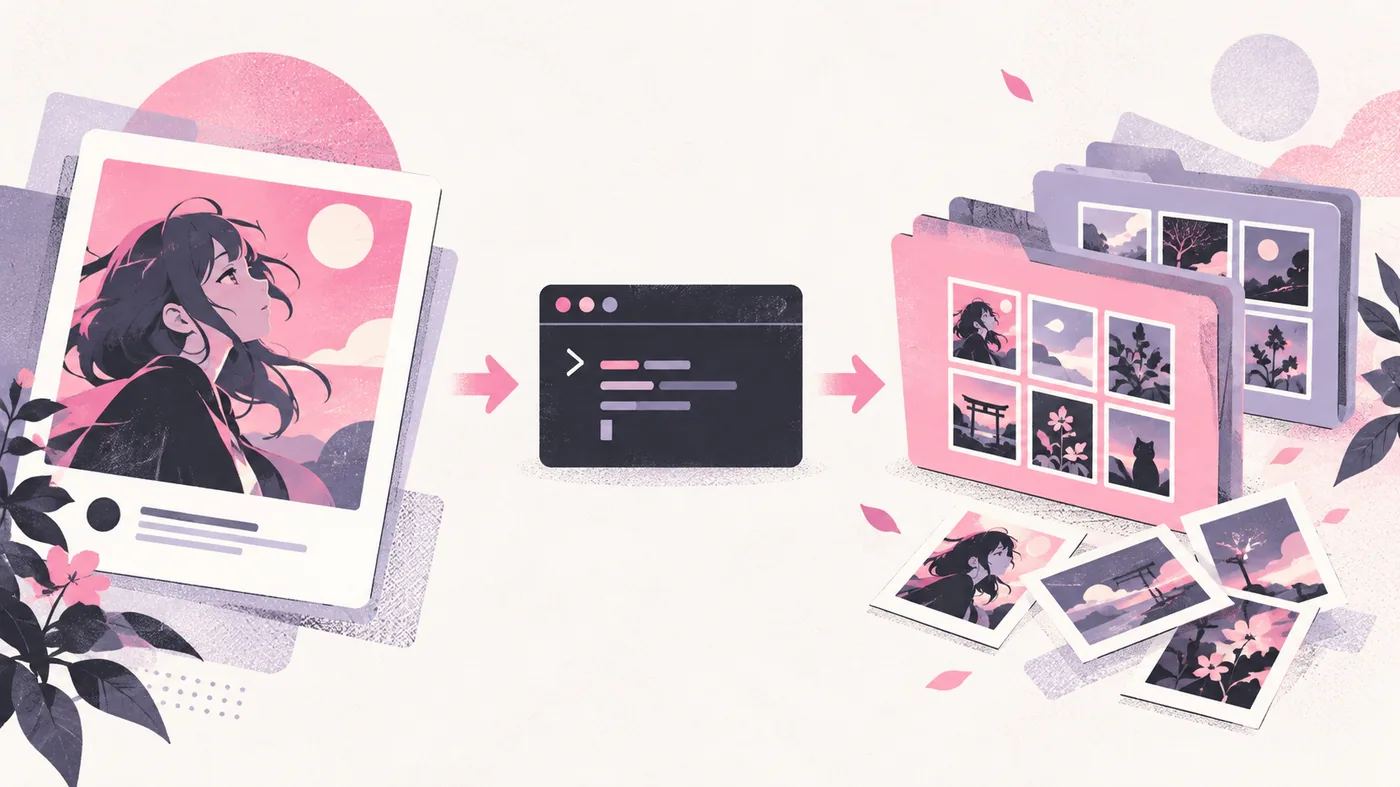
Start with one public Pixiv artwork or profile URL and run --simulate. If Pixiv asks for an authenticated session, use a browser-cookie selector from a profile you control. After the extractor selects the expected files, add a small range, a stable destination, and a download archive before expanding the job.
Test a gallery-dl Pixiv URL before downloading
The official Pixiv extractor covers more than a single artwork. The supported-sites reference lists user profiles, individual images, favorites, follows, rankings, searches, series, Sketch, pixivision, background images, avatars, and other Pixiv-specific paths. Treat each URL as a different scope. A profile can produce many works, while an individual artwork is a safer first test.
Copy the canonical www.pixiv.net URL from the page you are allowed to access, quote it in the shell, and simulate extraction before writing files. The simulation shows whether the installed release recognizes the URL, whether the page needs authentication, and which media records would be selected. It is an inspection step, not proof that every item in a large collection will remain available.
gallery-dl --simulate "https://www.pixiv.net/en/artworks/ARTWORK_ID"gallery-dl --simulate "https://www.pixiv.net/en/users/USER_ID"gallery-dl -K "https://www.pixiv.net/en/artworks/ARTWORK_ID"Replace USER_ID and ARTWORK_ID with a URL you are authorized to access. Do not publish private links, account names, or session details in a copied command.
Use browser cookies when Pixiv requires login
Pixiv can require a signed-in browser session for pages or media that anonymous requests cannot open. Sign in through the normal Pixiv website in a browser profile you control, confirm that the target page opens there, and let gallery-dl read the local cookie store. A cookie selector mirrors the access your account already has; it does not grant permission to private works or bypass a challenge.
Close the browser if its cookie database is locked, and select the profile that actually contains the active Pixiv session. If a command worked yesterday but now reports an authentication error, check the session, the profile name, the URL scope, and the installed gallery-dl version separately. Never paste raw cookie values, browser databases, refresh tokens, or passwords into a public config or bug report.
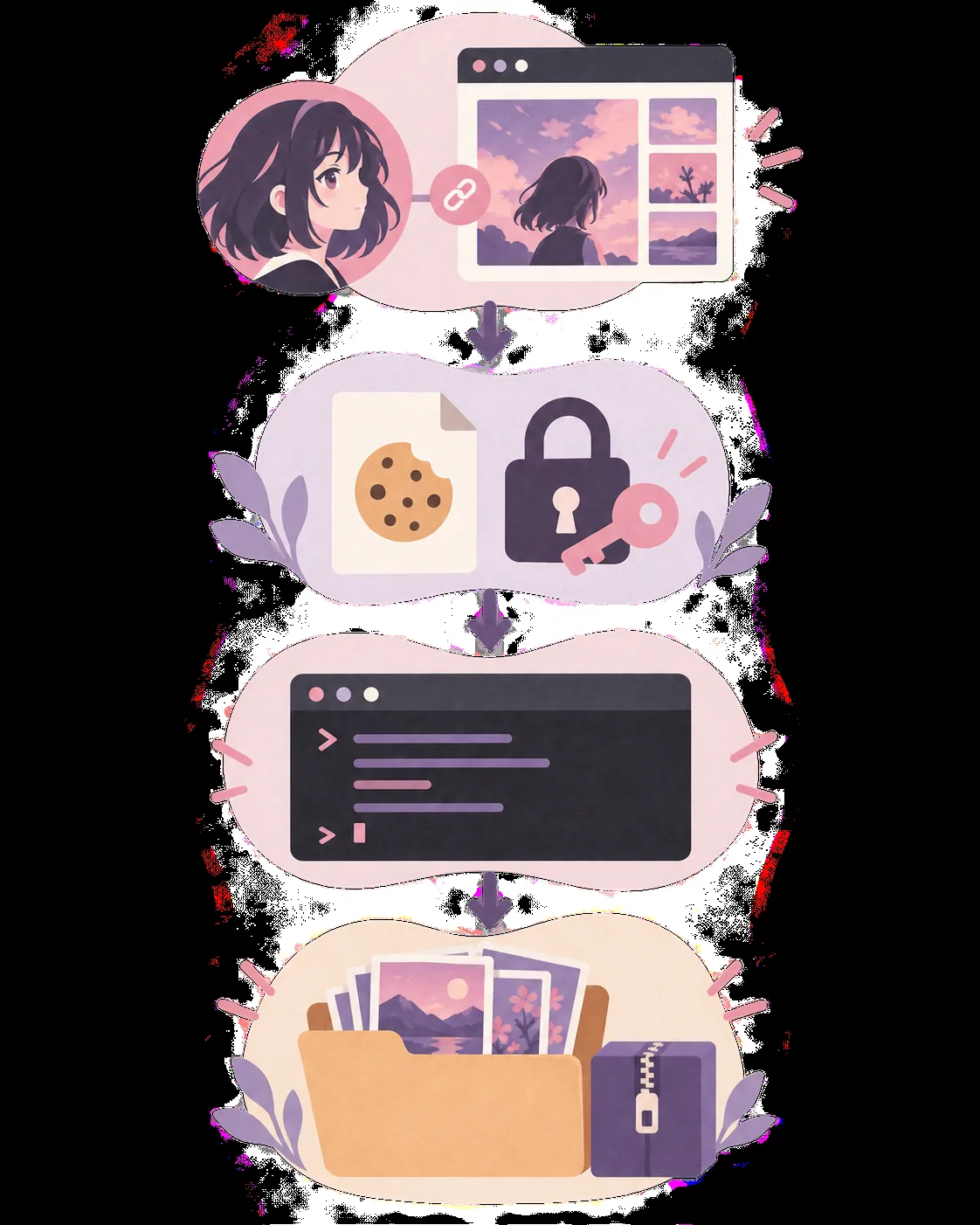
- Confirm the same profile can open the Pixiv page normally.
- Close the browser when the local cookie database is locked.
- Keep cookie values and account identifiers on your own device.
- Treat private, deleted, age-restricted, or challenged content as unavailable when the account cannot open it.
gallery-dl --cookies-from-browser firefox --simulate "https://www.pixiv.net/en/users/USER_ID"gallery-dl --cookies-from-browser chrome --simulate "https://www.pixiv.net/en/users/USER_ID"gallery-dl --cookies-from-browser edge --simulate "https://www.pixiv.net/en/users/USER_ID"Control Pixiv scope, filenames, and output folders
A successful extractor response is only the beginning.
Keep the destination outside a temporary browser profile and avoid mixing unrelated accounts in one folder.
gallery-dl --cookies-from-browser firefox --range "1-10" --destination "D:/Media/Pixiv" "https://www.pixiv.net/en/users/USER_ID"gallery-dl -K "https://www.pixiv.net/en/artworks/ARTWORK_ID"gallery-dl --simulate --config-ignore "https://www.pixiv.net/en/artworks/ARTWORK_ID"Use an archive for repeatable Pixiv downloads
Once a small run is correct, add --download-archive with one stable local file. The archive stores successful extractor identifiers and lets later runs skip items that already completed. It is not a backup of the media, and it should not be deleted just because a later URL returned no files. An empty result may mean the scope changed, the content is unavailable, a filter is too narrow, or the archive already contains the matching IDs.
Increase the range gradually and inspect the output after each change. Pixiv profiles, rankings, searches, and series can change while you work, so a repeated command is not guaranteed to describe the same result set. If the job is shared between machines, back up the archive deliberately, keep the path stable, and avoid copying browser credentials along with it.
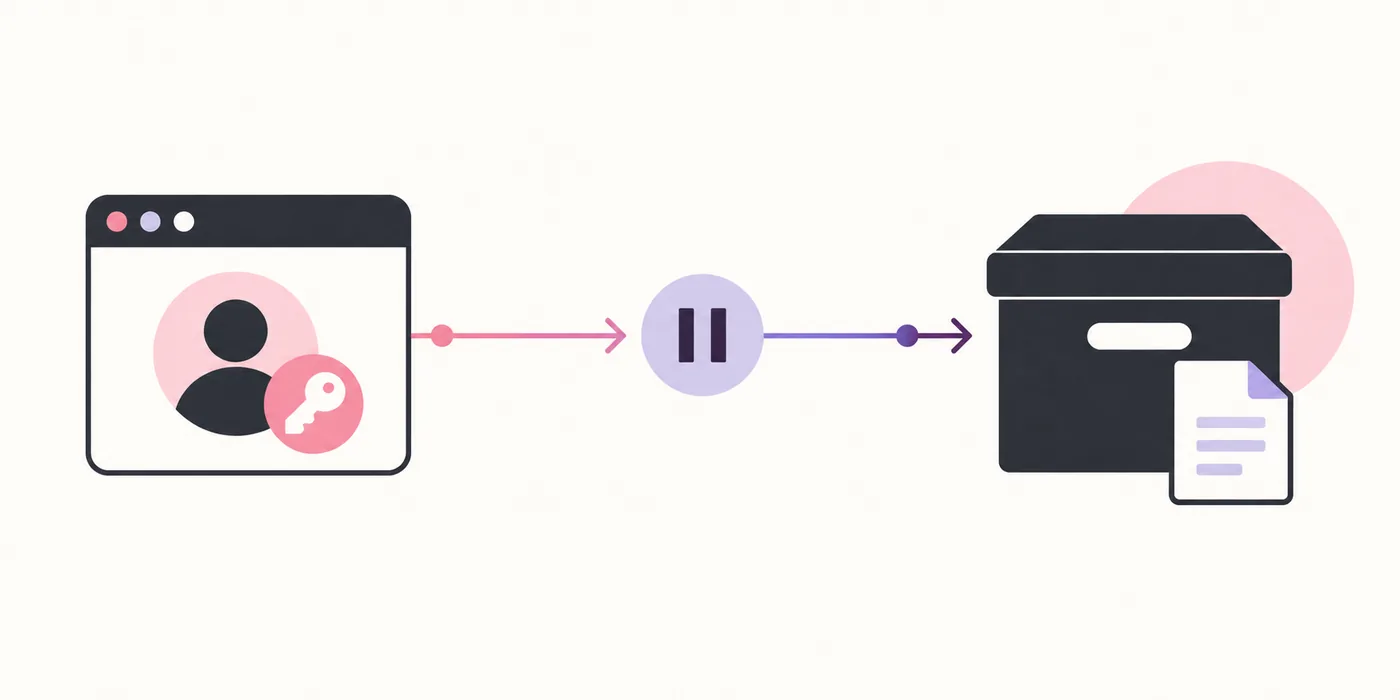
- Use one archive path for one recurring job.
- Back up the archive as a record, not as a media replacement.
- Increase ranges only after the selected files and folders look correct.
- Do not interpret every empty result as a Pixiv extractor failure.
gallery-dl --cookies-from-browser firefox --range "1-25" --download-archive "pixiv.sqlite3" "https://www.pixiv.net/en/users/USER_ID"gallery-dl --write-metadata --download-archive "pixiv.sqlite3" "https://www.pixiv.net/en/artworks/ARTWORK_ID"gallery-dl --download-archive "pixiv-diagnostic.sqlite3" --simulate "URL"Configure gallery-dl for Pixiv after the command works
Move stable choices into a config file only after the command-line version succeeds.
Validate the JSON and check the active file before blaming Pixiv.
{
  "extractor": {
    "base-directory": "D:/Media/Pixiv",
    "archive": "D:/Media/Pixiv/pixiv.sqlite3"
  }
}gallery-dl --config-statusgallery-dl --config-ignore --simulate "https://www.pixiv.net/en/artworks/ARTWORK_ID"A local browser selector can stay on the command line when machines use different profiles. Do not place raw cookies, passwords, or refresh tokens in a shared JSON file.
Fix common gallery-dl Pixiv errors
Treat authentication, rate limits, URL recognition, filters, and archive skips as different problems.
Compare the same URL with --config-ignore and --simulate, then add one setting at a time.
- Use only content and accounts you are authorized to access and use.
- Do not share cookies, tokens, private URLs, or unredacted logs.
- Keep the first test small and simulated.
- Respect Pixiv rules, creator rights, privacy, and rate limits.
PyPI metadata checked on October 8, 2026 lists gallery-dl 1.32.15, uploaded October 3, 2026. Recheck the official release before relying on version-sensitive Pixiv behavior later.
gallery-dl Pixiv FAQ
Does gallery-dl work with Pixiv?
The official supported-sites reference lists Pixiv artwork, profile, ranking, search, series, Sketch, and other extractor paths. Your installed version, exact URL, account access, and current platform behavior determine the result, so simulate the specific URL first.
How do I use gallery-dl with Pixiv?
Start with a quoted canonical Pixiv artwork or profile URL and run gallery-dl --simulate. If the page needs login, add --cookies-from-browser for a browser profile you control. After the selection looks right, add a small range, destination, and download archive.
Does gallery-dl Pixiv require cookies?
Public artwork tests may work without cookies, while profiles, restricted pages, or current Pixiv access rules may require a signed-in browser session. Use only a local profile you control and never publish raw cookie values.
How do I fix a Pixiv authentication error?
Confirm that the same browser profile can open the URL, close the browser if its cookie database is locked, and run one simulated command with the correct browser selector. Check the installed version and URL scope before changing filters.
Why does gallery-dl Pixiv return no files?
Check the URL type, account access, deleted or restricted content, filters, range, configuration, and archive. Compare the same URL with --config-ignore --simulate, then add settings back one at a time.
How can I avoid duplicate Pixiv downloads?
Use --download-archive with one stable local SQLite file. Gallery-dl records successful extractor identifiers and skips matching items later; the archive is a history of completed IDs, not a backup of the media.