
gallery-dl Twitter / X Guide
This gallery-dl Twitter guide shows how to test an X profile or post URL, authenticate with local browser cookies, organize downloads, prevent duplicates, and recover from common authentication or rate-limit errors.

Start with a quoted x.com profile media URL or individual status URL and add --simulate. If the extractor requests authentication, use --cookies-from-browser with a browser profile you control. After a small successful test, add a stable download archive before running a large account.
Test a gallery-dl Twitter URL before downloading
gallery-dl recognizes several Twitter / X URL types, including a single status, a user's media tab, timelines, likes, bookmarks, lists, searches, and other extractor-specific pages. For a first job, use a public status URL or the account's /media page. Copy the canonical x.com URL from the browser, quote it in the shell, and simulate extraction before writing any files.
Simulation answers the most important early questions: is your installed gallery-dl version recent enough, does the URL map to the intended Twitter extractor, does the page require login, and which files would be selected? Keep the first run small. A whole timeline can contain reposts, replies, quoted posts, videos, and repeated media, so a working extractor is not yet proof that the default scope matches your goal.
gallery-dl --simulate "https://x.com/USERNAME/status/POST_ID"gallery-dl --simulate "https://x.com/USERNAME/media"gallery-dl -K "https://x.com/USERNAME/status/POST_ID"Replace USERNAME and POST_ID with a real URL you are authorized to access. Do not paste the placeholder commands unchanged.
Use browser cookies when Twitter / X requires login
Twitter increasingly limits anonymous timeline access. When gallery-dl reports that authenticated cookies are needed, sign in through the normal website in a browser profile you control, confirm that the target page opens there, and point gallery-dl at that local profile. The preferred command reads the browser cookie database on your device; it does not require pasting raw cookie values into this website.
Close the browser completely if its cookie database is locked, and verify that you selected the same profile that holds the active X session. Expired sessions, additional account challenges, private content, age restrictions, and account-specific access rules can still block extraction. Cookies only reproduce access your account already has; they do not bypass authorization or platform rules.
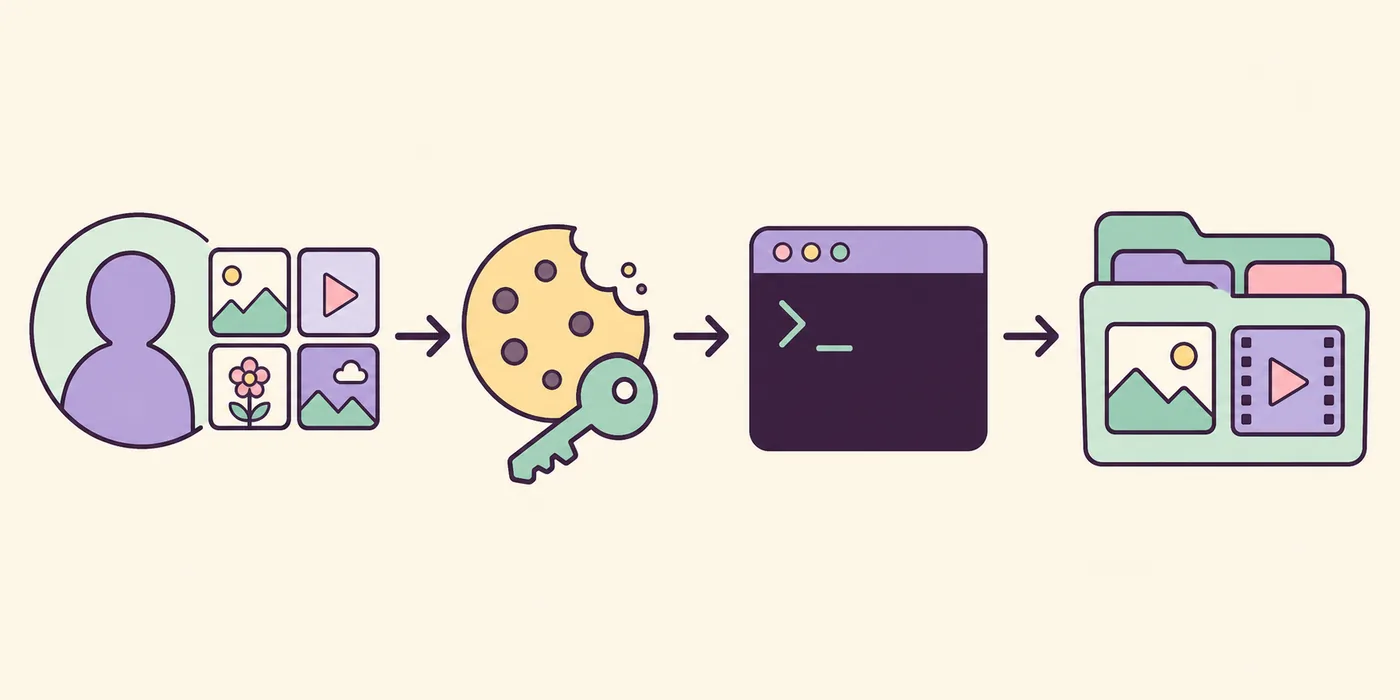
gallery-dl --cookies-from-browser firefox --simulate "https://x.com/USERNAME/media"gallery-dl --cookies-from-browser chrome --simulate "https://x.com/USERNAME/media"gallery-dl --cookies-from-browser edge --simulate "https://x.com/USERNAME/media"Create a repeatable Twitter media download job
Once a simulation succeeds, choose a predictable destination and add a download archive. The archive records extractor IDs for successful files and skips them on later runs, which is safer than relying only on filenames. Use a limited range for the first real download, inspect the output, and then increase the scope. Keep one archive file for the recurring job instead of creating a new archive every time.
The Twitter extractor can include or exclude replies, reposts, quoted posts, cards, articles, previews, text-only posts, and videos. Defaults can change between releases, so test the exact URL and installed version instead of assuming every timeline behaves identically. Use -K to inspect metadata before designing filename or filter expressions, and keep secret paths or browser profile names out of shared scripts.
gallery-dl --cookies-from-browser firefox --range "1-25" --download-archive "twitter.sqlite3" "https://x.com/USERNAME/media"gallery-dl --destination "D:/Media/X" --download-archive "twitter.sqlite3" "https://x.com/USERNAME/media"gallery-dl --write-metadata --download-archive "twitter.sqlite3" "https://x.com/USERNAME/media"| Goal | Option or setting | Why it matters |
|---|---|---|
| Test without files | --simulate | Checks extractor, access, and selection before a large run |
| Limit the first batch | --range 1-25 | Makes paths and media choices easy to review |
| Prevent duplicates | --download-archive FILE | Records successful extractor IDs across repeated runs |
| Use local login | --cookies-from-browser BROWSER | Reads a browser session you control |
| Inspect fields | -K URL | Shows metadata used by filenames and filters |
Configure gallery-dl for Twitter / X
Move options into config only after the command-line version works. The official example configuration currently exposes Twitter settings such as include, replies, retweets, quoted posts, videos, size preference, API retry behavior, and rate-limit handling. A small, reviewed extractor block is easier to maintain than copying every available option and forgetting which values changed behavior.
The example below keeps videos enabled, excludes replies and reposts, waits when the extractor reaches a rate limit, and points to a stable archive. Browser-cookie selection can remain on the command line if different machines or profiles run the job. Validate JSON carefully: comments, trailing commas, and unescaped Windows backslashes make a config invalid.
{
  "extractor": {
    "twitter": {
      "replies": false,
      "retweets": false,
      "quoted": false,
      "videos": true,
      "ratelimit": "wait",
      "archive": "D:/gallery-dl/twitter.sqlite3"
    }
  }
}gallery-dl --config-ignore --simulate "https://x.com/USERNAME/media"gallery-dl --config-statusTroubleshoot gallery-dl Twitter errors
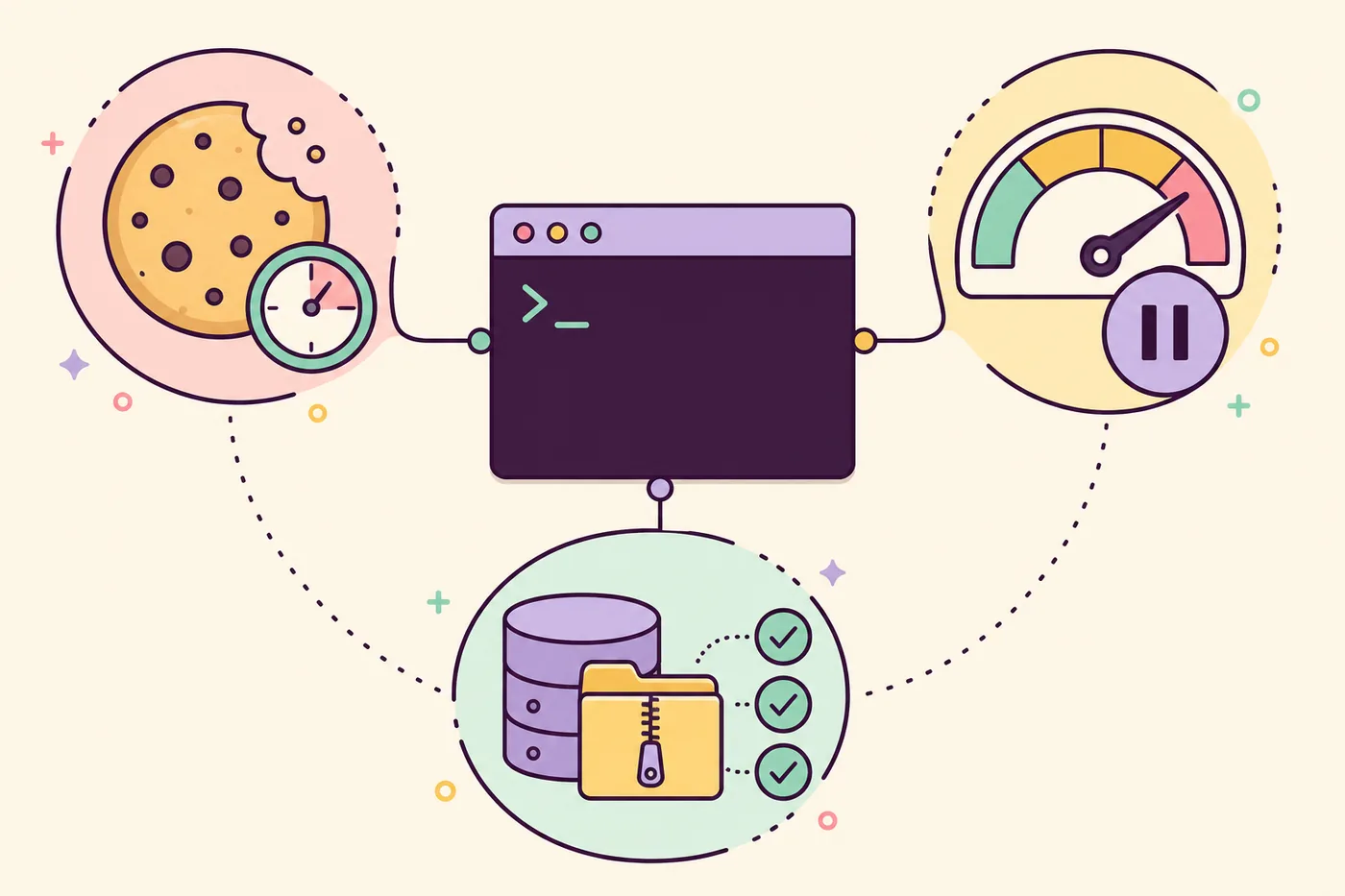
Treat authentication, rate limiting, empty results, and duplicate skipping as different problems. An AuthRequired message usually points to missing or expired cookies. HTTP 429 or a rate-limit message means the extractor should pause rather than retry aggressively. An empty result can come from the wrong URL type, inaccessible content, a restrictive config, or an archive that already contains the media IDs.
Compare one clean simulation with --config-ignore against the same URL using your normal settings. Then add cookies, range, archive, and filters one at a time. This isolates the option that changes the result. Update gallery-dl through the same installation channel you originally used, confirm the version, and check current upstream issues before assuming a platform-side change can be solved by repeated requests.
| Symptom | First check | Safe next step |
|---|---|---|
| Authenticated cookies needed | Open the target in the selected browser profile | Refresh the normal login and rerun a simulation |
| HTTP 429 or rate limit | Check ratelimit and retry settings | Wait; do not launch parallel retry loops |
| No files selected | Run with --config-ignore and no filter | Verify URL type, access, and extractor output |
| Everything is skipped | Inspect the archive path | Test with a temporary archive only for diagnosis |
| Unexpected replies or reposts | Review Twitter extractor settings | Set replies, retweets, and quoted explicitly |
Know the limits before downloading at scale
gallery-dl is a local downloader, not a permission system. Download only media you are authorized to access and reuse, respect privacy and copyright, and follow applicable platform terms and law. Never share cookies, account tokens, private archives, or downloaded personal data. A technically accessible URL is not automatically licensed for republication.
Version-sensitive behavior can change when X changes its website or APIs. On October 3, 2026, this site verified gallery-dl 1.32.15 from the official PyPI metadata and confirmed that the upstream Codeberg Windows and Linux release files return HTTP 200 with the expected executable filenames and sizes. Recheck the official release and extractor documentation whenever a previously working command changes.
gallery-dl Twitter / X FAQ
Does gallery-dl work with Twitter / X?
Yes. The current Twitter extractor recognizes individual posts, user media and timeline URLs, likes, bookmarks, lists, searches, and other supported URL types. Access requirements vary, so simulate the exact URL first.
Why does gallery-dl say authenticated cookies are needed?
X often restricts anonymous timeline access. Sign in normally with a browser profile you control, verify the target page opens there, and use --cookies-from-browser with that same profile.
How do I download only media from one X account?
Start with the account's /media URL, simulate it, and use a small range. Review the output before expanding the run because extractor settings can include replies, reposts, quoted posts, and videos.
How can I avoid downloading the same Twitter files twice?
Use --download-archive with a stable archive path. gallery-dl records successful extractor IDs and skips them during later runs even if output filenames change.
What should I do when Twitter rate-limits gallery-dl?
Let the configured rate-limit behavior wait, reduce repeated requests, and avoid parallel retry loops. Persistent failures may require an updated gallery-dl release or an upstream extractor fix.
Can I share my gallery-dl Twitter config?
Share only reviewed non-secret settings. Remove cookie paths, browser profile names, account identifiers, archive contents, and any private URL or token before publishing a config or support log.