
The template prints blanks
Run -K for the exact URL, replace guessed fields, and keep a literal fallback during testing.
- Confirm the extractor
- Check active config
- Test one field
gallery-dl filename templates turn extractor metadata into predictable file names and directory paths. This guide shows how to discover the fields your URL exposes, build a small format string, handle platform restrictions, and verify the result before a large run.
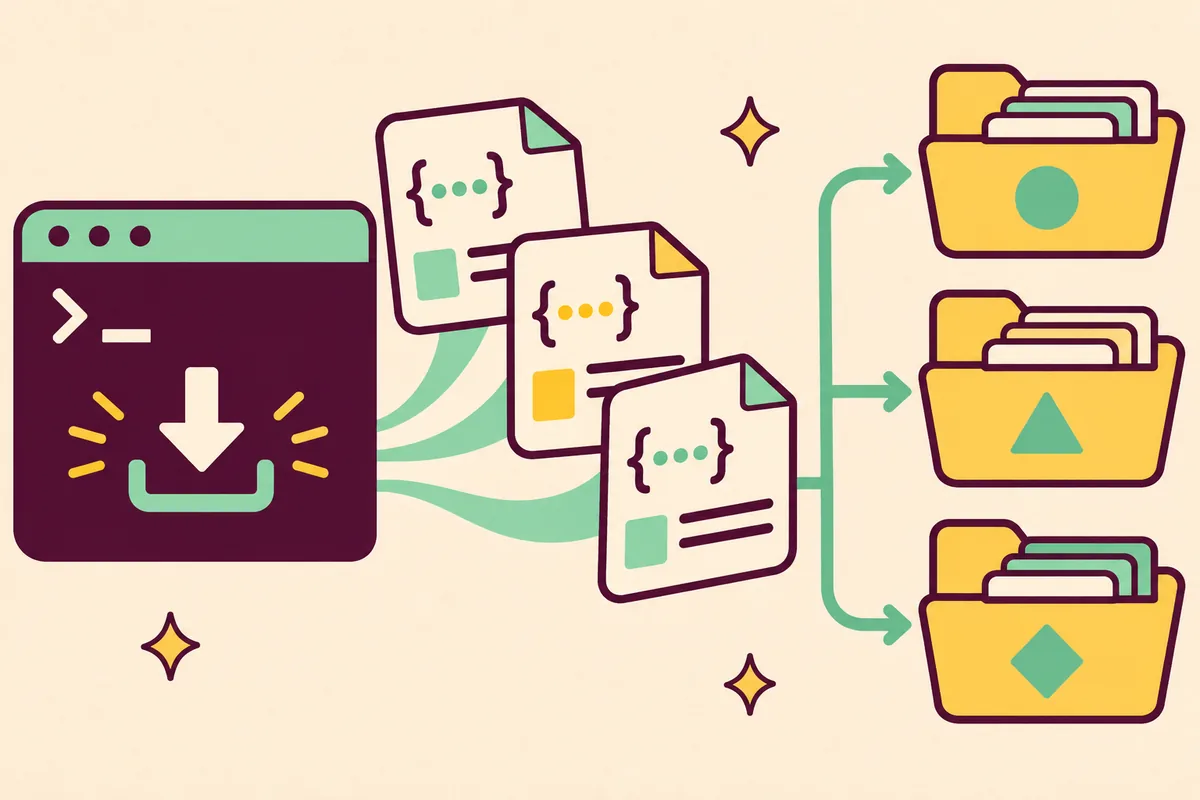
Run gallery-dl -K "URL" to see the replacement keys exposed for that extractor. Use those keys in a short --filename or extractor.filename format string, and use extractor.directory for folder segments. Test with --simulate and a small URL before adding a permanent configuration. A key that works on one extractor is not automatically available on another.
A filename template is a format string that is evaluated when gallery-dl prepares a downloaded file. It can combine extractor metadata such as an ID, title, date, author, page number, or extension with separators that make the result easy to scan. The same idea applies to directories: each segment can be built from a metadata value, so a collection can be grouped by site, creator, or series.
A template changes local organization, not the URL or extractor decision. Keep the first pattern short, unique, readable, and valid on the machines that run the job.
The official configuration guide recommends the -K or --list-keywords option for a specific URL. It prints the directory and filename keywords together with example values. That output is the boundary for a safe template: it tells you what this extractor provides instead of what a different site, an old tutorial, or a guessed variable might provide.
Use an authorized URL and keep the inspection small. Handle authentication separately through the site's normal sign-in flow and local browser cookies. Never paste cookies or tokens into a template or shared log.
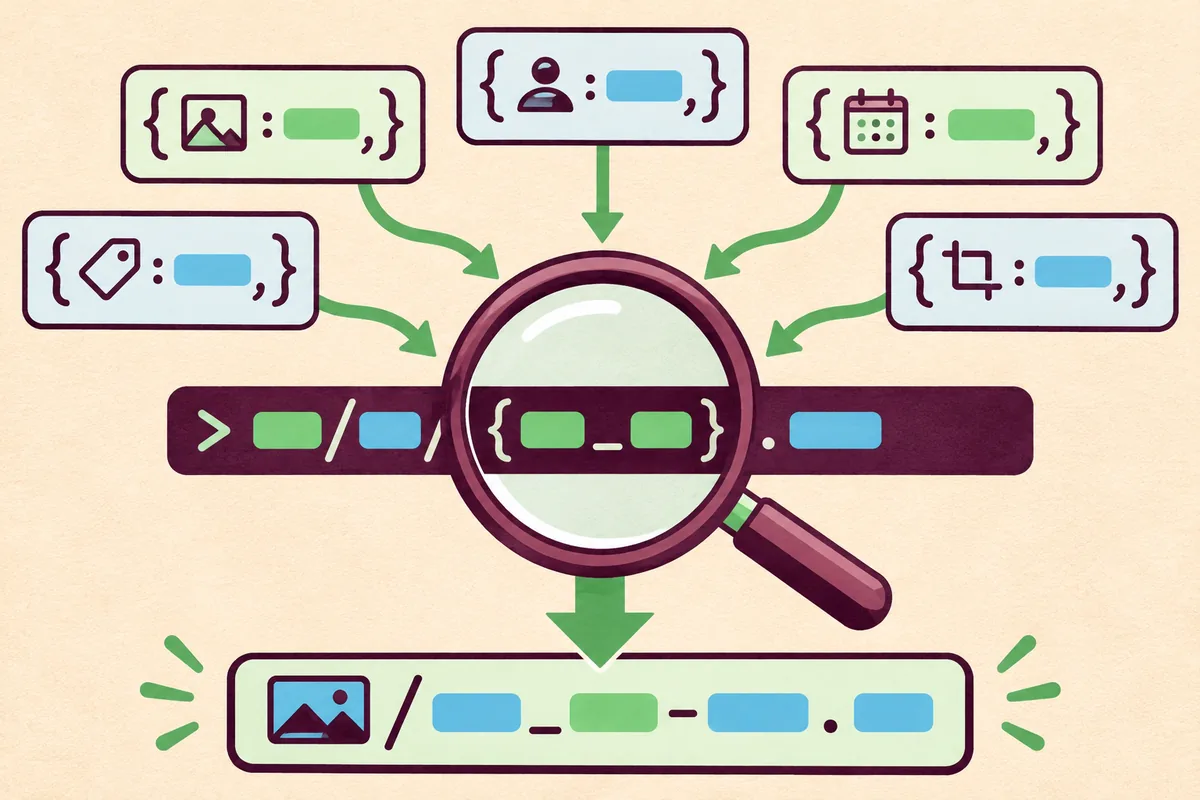
gallery-dl -K "URL"gallery-dl --simulate "URL"Start with a stable identifier and add only the fields you will use when browsing the folder. A pattern such as {category}_{id}_{title}.{extension} is easy to recognize, while a date-first pattern can make chronological exports easier to sort. The exact fields depend on the extractor, so confirm each one with -K before running it.
Use --filename for a one-off test. After simulation and a small real run, move the pattern into the matching extractor section in JSON. Deeper extractor settings can override general values.
Use readable separators and keep the extension at the end. Retain an identifier as a fallback when a post has no title.
gallery-dl --filename "{category}_{id}_{title}.{extension}" --simulate "URL"{
"extractor": {
"example": {
"filename": "{id}_{title}.{extension}"
}
}
}| Pattern idea | Useful when | Check before keeping |
|---|---|---|
| {id}_{extension} | Titles are missing or change often | The ID is present and unique for the extractor |
| {date}_{id}_{title} | You browse exports chronologically | The date has a predictable value and format |
| {author}/{title} | A creator owns a separate folder | Author values are safe as path segments |
| {category}_{id}_{title}.{extension} | Several sites share one root | Category and extension are listed by -K |
The extractor.directory option accepts a list of format strings. Each item becomes one path segment, and the segments are joined beneath the base directory. This makes a plan such as site, author, and collection explicit without hiding the structure inside a long filename.
Use directory templates when folders help your workflow. Test author or title fields for separators, reserved characters, and long values. Never put secrets or private account names in shared paths.
{
  "extractor": {
    "example": {
      "directory": ["{category}", "{author}"],
      "filename": "{id}_{title}.{extension}"
    }
  }
}Configuration can map conditions to filename strings. Conditions run in order and the first true one wins; an empty-string entry or extractor default can provide a fallback. This helps when a collection mixes video and images.
Because conditions are harder to debug, add one at a time and test both matching and non-matching URLs. Keep the fallback clear and use only fields shown by -K.
{
  "extractor": {
    "example": {
      "filename": {
        "extension == 'mp4'": "{id}_video.{extension}",
        "": "{id}_{title}.{extension}"
      }
    }
  }
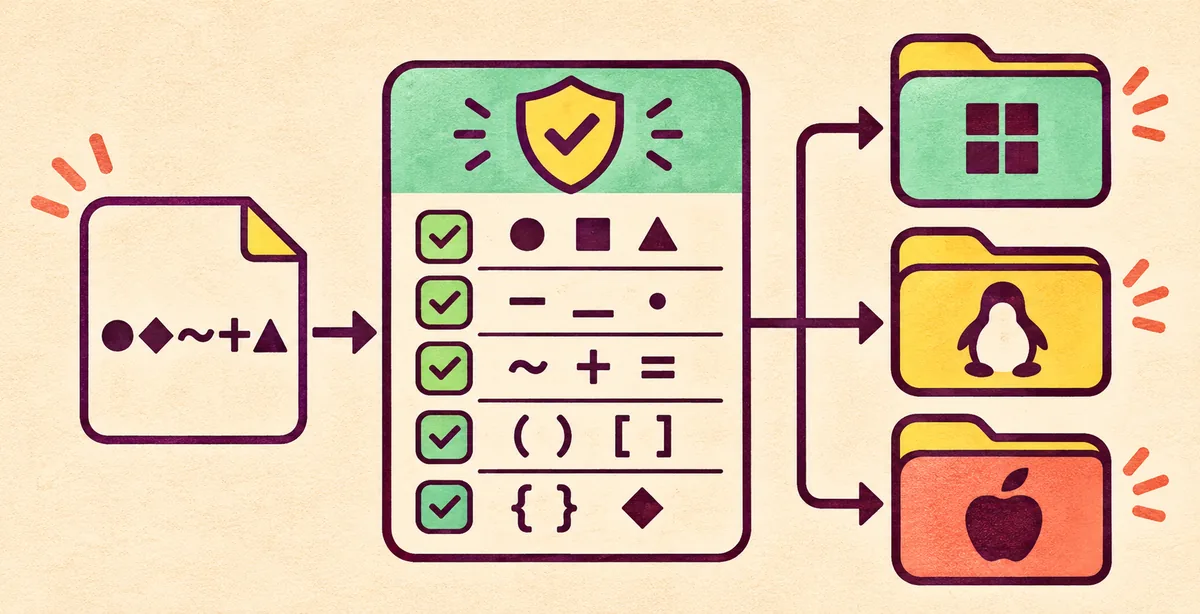
}A valid template can still produce an invalid path. Titles may include reserved characters or excessive length. gallery-dl offers Windows, Unix, ASCII, and custom restriction modes; choose one for the job's host and inspect the output.
For shared configs, use conservative separators and shallow folders. Test punctuation, missing titles, non-Latin names, and long values because the total path matters as well as the filename.
| Test case | Why it matters | Safer response |
|---|---|---|
| Reserved punctuation | Windows rejects some characters | Use a restriction mode and review the preview |
| Long title | The full path can become too long | Prefer {id} plus a shortened title |
| Missing field | A guessed key can be empty or invalid | Use -K and a fallback pattern |
| Non-Latin text | The filesystem and shell may differ | Use UTF-8 and test the target machine |
Choose a supported URL and run -K. Test a short pattern with --simulate, then download a small range to a temporary destination and inspect names and folders.
Repeat the test with another representative URL, including punctuation or a missing title when possible. Once it works, save the setting in a persistent config and record the tested command.
When behavior changes, use --config-status and compare with --config-ignore --simulate. Preserve a working config and change one rule at a time.
gallery-dl --config-ignore --simulate "URL"gallery-dl --config-statusgallery-dl --range "1-3" --filename "{id}_{title}.{extension}" "URL"Generic names can mean a missing field, a deeper override, or the wrong active config. Compare -K with the pattern, check --config-status, and run a clean simulation before adding keys.
Skipped or overwritten files are a separate selection problem. Templates do not replace --download-archive or compare file bytes. Keep an identifier and inspect URL, range, and filters before changing history.
Run -K for the exact URL, replace guessed fields, and keep a literal fallback during testing.
Shorten the pattern, remove reserved punctuation, and test on the job's target machine.
Filename templates organize local downloads. They do not bypass login, paywalls, rate limits, access controls, or a platform's rules. Test only URLs and media you are allowed to access and keep credentials out of commands and logs.
Keep the template small and extractor-specific. Discover keys with -K, simulate, test a few edge cases, then store it at the narrowest config level. Document the pattern with its destination and tested command.
Run gallery-dl -K "URL". The command lists directory and filename keywords with example values for that URL's extractor. Use those results as the source of truth for the template.
A short pattern such as {id}_{title}.{extension} is a useful starting point when those fields appear in -K output. Add a category or date only after the basic pattern works on a small run.
Yes. The extractor.directory option accepts a list of format strings, and each string becomes one directory segment beneath the base directory. Test author and title values because they can contain path separators or reserved characters.
Replacement keys depend on the extractor. Run -K for each URL and keep site-specific settings at the narrowest extractor level instead of assuming one site's fields are global.
Use a Windows-compatible restriction mode, conservative separators, and a short pattern. Test reserved punctuation, long titles, missing values, and the complete path on the Windows machine that will run the job.
No. It only controls local names. Use a stable --download-archive file for repeat-run history and keep an identifier in the filename so you can inspect the result.