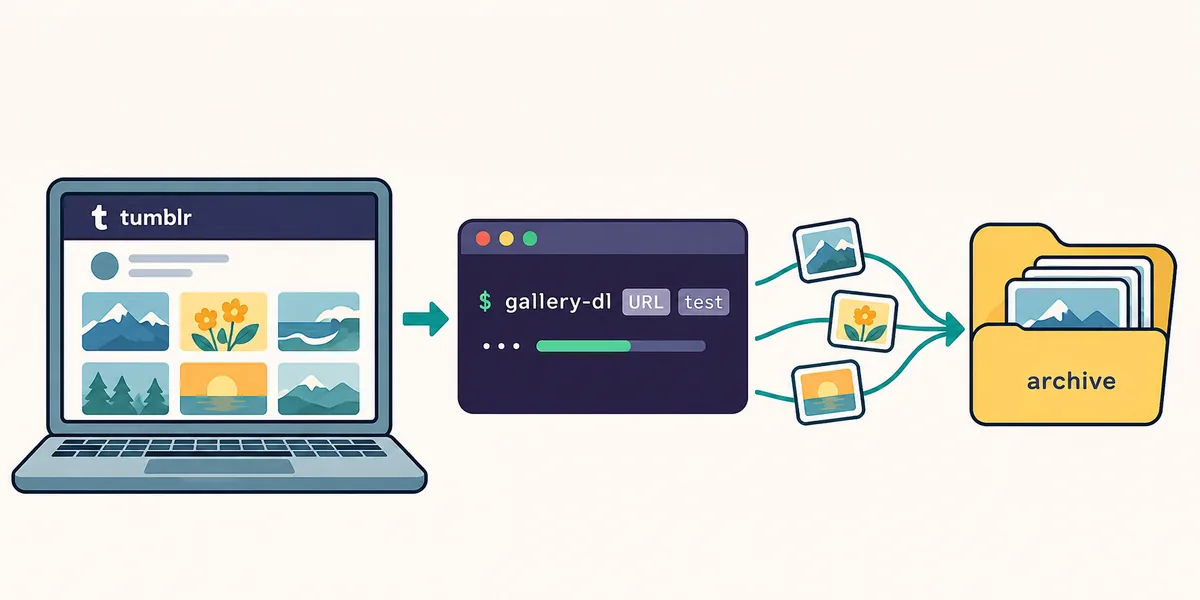
gallery-dl Tumblr support is easiest to use when you separate URL scope, access, and repeat-run control. This guide shows how to test a public blog, download a narrow tag or post, add cookies only when necessary, and keep the resulting archive predictable.
Blog URLsTags and searchCookiesRepeat-safe archives
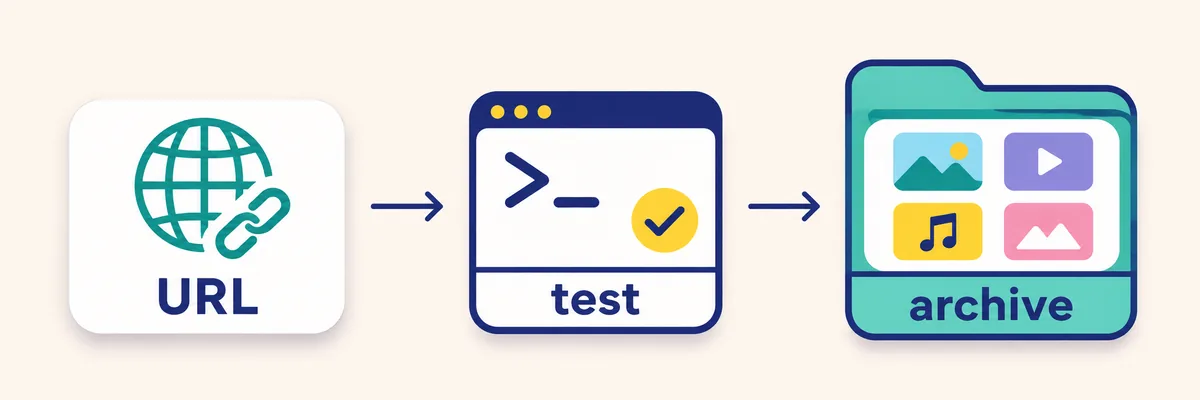
A Tumblr-specific workflow starts with a small URL test and ends with a reviewed local archive.Quick answer
Use a public Tumblr blog, tag, post, or search URL as the input. Start with gallery-dl --simulate so you can see the extractor result without writing files, then run the same URL with a small scope and a known destination. Add browser cookies only when Tumblr requires an authenticated session, and keep an archive file when you expect to repeat the job.
Scope
What gallery-dl Tumblr handles
The gallery-dl Tumblr extractor is designed for blog-style URLs rather than a single generic image endpoint. It recognizes Tumblr blog names, custom Tumblr subdomains, post links, and collection-style paths. The extractor also has explicit handling for several Tumblr post types, including photo, video, audio, quote, link, answer, chat, and search results. That matters because the same blog can contain media and text posts, while your goal may be to save only one kind of item.
Think of gallery-dl Tumblr as a controlled archive workflow. The URL identifies the Tumblr scope, the extractor turns that scope into messages and media, and your configuration decides where files go, how names are formed, and whether an item is already known. The command does not grant access to private posts, bypass a login, or decide whether you have permission to keep someone else's work.
This page is narrower than the site's supported-sites list and more specific than the general usage guide. You will find the platform decisions here, then use the linked general pages when you need installation details, cookie export, filename keywords, or archive maintenance.
The useful mental model
Treat a Tumblr URL as a query boundary. A blog URL can be broad, a tag URL can be topical, a post URL can be a one-item check, and a search URL can change as Tumblr content changes. Make that boundary explicit before you add pagination, filters, or a long-running archive job.
URL scope chooses what the extractor discovers.
Simulation confirms what would be discovered.
Configuration controls paths, names, delays, and archives.
Permissions and Tumblr terms still govern what you retain.
URL selection
Choose the right Tumblr URL type
Begin with the smallest URL that answers your question. A post URL is useful for verifying that gallery-dl can parse a specific item. A blog URL is appropriate when you intend to follow a blog's media over time. A tag or search URL is broader and less stable because new results can appear between runs. If you paste a page copied from a mobile share sheet, remove tracking parameters only when you have confirmed that the cleaned URL still points to the same Tumblr scope.
Tumblr hosts can appear in more than one shape. A standard `tumblr.com/blog/name` link, a `name.tumblr.com` subdomain, and a post permalink may all identify the same blog, but they are not equally convenient for a test. Prefer the shortest canonical-looking form and record the original URL in your notes so you can explain a later mismatch.
Do not assume that every image visible in a theme is a downloadable post. Themes can include avatars, recommendation blocks, external embeds, or decorative assets. The extractor's result lines are the useful boundary: inspect the IDs, media URLs, and post types shown by simulation before deciding how wide the job should be.
URL scope
Good first use
Main caution
Single post
Parser and permission check
May contain one media item or no downloadable media
Blog
A creator or topic archive
Can become a large repeat job
Tag
A narrow subject sample
Results change as Tumblr indexes posts
Search
Exploratory discovery
Less stable and harder to reproduce
Custom subdomain
A direct blog workflow
Confirm the subdomain belongs to Tumblr
Start with one URL
A successful one-post simulation is stronger evidence than a large command that silently mixes theme assets, reblogs, and unrelated search results.
First run
Install and run a safe first test
Install gallery-dl with the method that matches your existing Python or package workflow. The site's install guide covers platform choices; once the executable responds to `gallery-dl --version`, keep the first Tumblr run deliberately small. A simulation prints extractor messages without saving the media, which lets you catch a wrong URL, a login wall, or an unexpectedly broad scope before creating files.
Use a command shape like the following and replace the URL with a public Tumblr target you are allowed to inspect. The output is evidence for your next decision, not a promise that every post will contain a file.
After the simulation looks correct, choose an empty test directory and run the same URL without `--simulate`. Keep the destination separate from an existing archive for the first pass. This makes it easy to compare the number of messages with the number of files and to remove the test output without touching a curated collection.
A repeatable Tumblr job has three visible stages: select a URL, simulate the result, then archive a narrow sample.
Read the simulation output
Look for the extractor name, the Tumblr blog or post identifier, media URLs, and any warning about authentication. If the command prints an empty result, do not immediately add cookies or change many settings. First confirm that the URL is a supported Tumblr form, that the blog is public, and that your installed gallery-dl version is current enough for the site's response.
Use `--verbose` while diagnosing a new URL, then remove it for routine runs.
Use `--range` or an equivalent narrow scope before a full blog archive.
Keep a text note of the URL, date, command, and output directory.
A blog download is the most common gallery-dl Tumblr workflow, but it should not be your default for every task. If you need a single reference image, use the post URL. If you are collecting a theme, use a tag and a small range. If you are exploring an unfamiliar topic, use search only to discover candidate posts, then convert the useful results into narrower post or blog jobs that can be repeated later.
The extractor can encounter more than photo posts. Video and audio posts may have different media behavior, text and quote posts may yield no file, and reblogs may expose metadata you do not want in a filename. Your simulation should tell you which post types appear before you write a filter. A filter built for photos alone can make a mixed blog look empty even though the extractor is working.
For a long blog, divide the job into checkpoints. Run a first range, inspect the folder, record the archive file, and only then expand. If a run stops after a network error, the archive and stable filenames let you resume without treating every earlier item as new.
A practical sequence
First validate a post. Second validate the blog or tag scope. Third decide whether you need cookies. Fourth add the output layout and archive. Fifth schedule or repeat the job only after the small sample is understandable. This sequence separates parser problems from access problems and prevents a large directory from hiding the original mistake.
Post URL: best for a one-item parser check.
Blog URL: best for a creator or collection archive.
Tag URL: best for a bounded topic sample.
Search URL: best for discovery, not as an immutable archive key.
What counts as a good result
A good result is explainable. You know which URL produced it, why the number of files is plausible, which post types were included, and where the archive was written. A command that downloads many files but cannot be repeated or audited is a risky Tumblr workflow, even if the folder looks full.
Repeatability
Control configuration, filenames, and archives
Move stable choices into the gallery-dl configuration once the test command is understood. A config can define a Tumblr directory pattern, filename fields, a download archive, and a conservative delay. Keeping these decisions in one reviewed file makes a later command shorter and reduces accidental differences between a manual run and a scheduled run.
Tumblr filenames should answer three questions: which blog produced the file, which post or media identifier is involved, and which sequence number distinguishes multiple media items. Use the filename-templates guide for keyword discovery rather than guessing a field name. If a field is absent for a post type, choose a fallback that stays readable instead of depending on an empty separator or a full caption.
An archive file is a record of processed identifiers, not a backup of the media itself. Keep it beside the job configuration, include it in your backup plan, and do not share it publicly if it contains sensitive URL data. When you change the directory or filename pattern, keep the same archive only if you still want gallery-dl to skip the same logical items.
Changing a folder name does not change the archive's identity. Decide whether the same post should remain skipped before you move files or split a blog into new destinations.
Access
Use cookies only when Tumblr requires them
Public Tumblr pages should be your first test. If a browser can see a page but gallery-dl receives an access error, the missing piece may be a session cookie, a consent state, or a site response that changed after the browser loaded it. The site's cookies helper explains how to export browser cookies locally; follow that guide and pass the file through the supported gallery-dl option rather than pasting cookie values into a command or a public issue.
Cookies do not turn a private page into a public one and they do not guarantee that a post can be archived. They expire, reflect the permissions of the account that created them, and can expose account access if copied carelessly. Store the cookie file with restrictive permissions, keep it outside a public web directory, and remove it when the test is complete.
When a cookie-enabled command fails, compare it with a public URL simulation. If the public test also fails, the problem is probably URL parsing, version, network, or rate limiting rather than authentication. This comparison keeps you from rotating credentials when the extractor simply needs an update or a slower request pace.
A cautious access checklist
Confirm the public URL first. Export only the cookies required by the browser workflow. Run a one-post simulation. Avoid committing the cookie file or placing it under the project directory. Revoke or delete the session when you no longer need it.
Never paste raw cookie headers into a tutorial, log, or issue.
Do not publish another person's authenticated content without permission.
Use the smallest authenticated scope that answers the task.
Control
Add filters, delays, and responsible boundaries
A Tumblr archive is easier to manage when the command expresses what you want. Use a range for a first sample, a date or post filter when the metadata supports it, and a post-type condition when mixed content is not useful. Verify each condition with simulation because a filter that matches no items can look like a broken extractor.
Respectful pacing protects both your workflow and the service. A short delay between requests, a modest range, and a stop condition are better defaults than launching several full-blog processes. If Tumblr returns a rate-limit or temporary server response, stop, keep the output and logs, and retry later with a smaller scope. Do not try to defeat a block by cycling accounts or sending aggressive parallel requests.
The technical ability to download a file is not permission to republish it. Check the creator's terms, Tumblr's policies, and the license or copyright status of the media. Keep private or sensitive material out of public archives, and record the source URL next to a local collection when provenance matters.
Control
Why it helps
What to verify
Small range
Limits the first write
The range maps to the expected post order
Post-type filter
Avoids irrelevant text or media
Simulation shows at least one matching item
Delay
Reduces burst traffic
The job remains practical at the slower pace
Archive
Skips known identifiers
The archive path is stable and backed up
Separate destination
Protects curated files
The test folder is disposable
Recovery
Troubleshoot common Tumblr failures
Classify the failure before changing the command. A 404 or empty result can mean the URL was copied incorrectly, the blog changed its address, or the selected path is not a supported Tumblr form. A 403 or login message points toward access, consent, cookies, or a site policy response. A timeout or 429 points toward pacing, network stability, or a temporary limit. These categories need different fixes.
For a URL problem, open the page in a normal browser, copy the canonical-looking address, and retry one post with `--simulate --verbose`. For an access problem, compare a public post and an authenticated browser session, then use the cookies helper only if the comparison supports it. For a rate-limit problem, stop the process, wait, reduce the range, and avoid parallel jobs. For an unexpected file count, inspect post types, reblogs, theme assets, and filters before deleting the archive.
Keep the original error text when asking for help. Include the gallery-dl version, operating system, sanitized command, URL shape without private tokens, and whether simulation or a public URL works. Never attach cookie files or private media to a public issue.
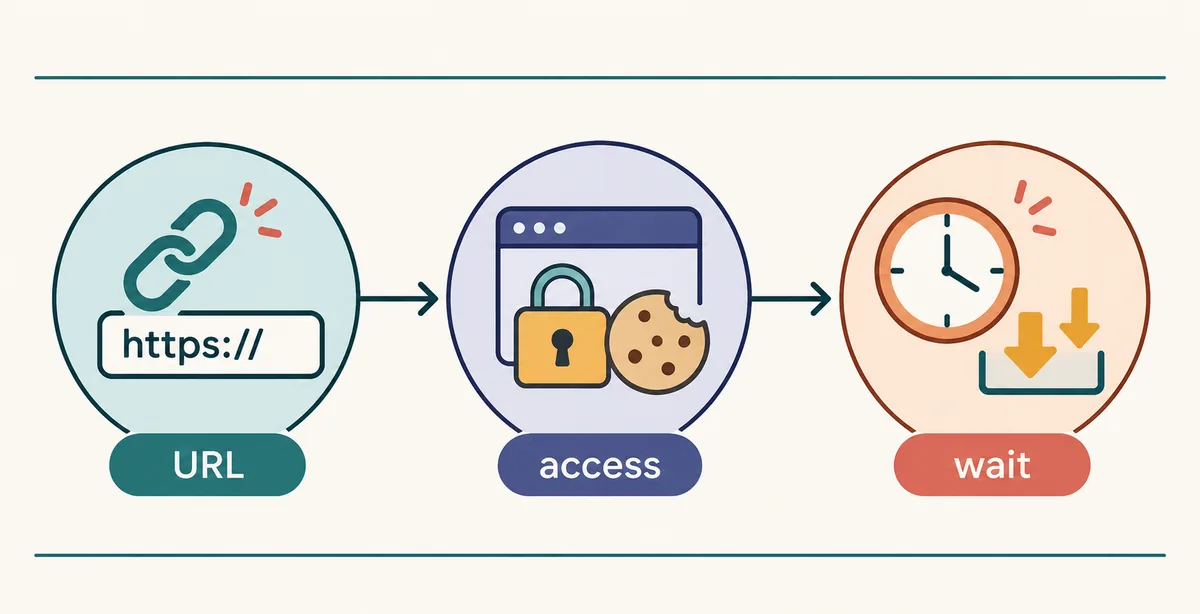
Separate URL, access, and rate-limit failures before changing configuration or credentials.
Fast diagnostic order
Check the URL shape, then test a single post, then compare public and authenticated access, and only after that change filters or output settings. This order keeps a formatting mistake from becoming a confusing configuration experiment.
URL: canonical path, blog name, post ID, and redirect.
Access: public visibility, consent, cookies, and account scope.
Wait: 403/429, timeout, delay, retry window, and network path.
Output: destination, filename fields, archive, and duplicate count.
Questions
gallery-dl Tumblr FAQ
These answers focus on decisions that affect a repeatable Tumblr job. The general installation, configuration, cookies, and troubleshooting pages linked below provide broader examples when your problem is not Tumblr-specific.
FAQ
gallery-dl Tumblr questions
Can gallery-dl download an entire Tumblr blog?
It can process a supported public blog URL, but start with simulation and a small range. A blog may contain mixed post types, reblogs, and a large history, so use a stable destination and an archive before expanding the job.
Should I use a Tumblr blog URL or a tag URL?
Use a blog URL for a creator or collection archive, a tag URL for a bounded subject sample, and a post URL to verify one item. Search URLs are best for discovery because their results can change between runs.
Why does gallery-dl Tumblr return an empty result?
Check the URL shape, blog visibility, gallery-dl version, and simulation output first. An empty result can be a wrong path, an unsupported page state, a filter that matches nothing, or a response that now needs access handling.
Do I need cookies for Tumblr downloads?
Not for every public page. Use cookies only when a public comparison and the error message show that the browser session is required. Keep the file private, avoid committing it, and remember that cookies do not grant permission to private content.
How do I avoid downloading the same Tumblr post twice?
Configure a stable archive and keep it with the job. Reuse the same logical archive when you want known identifiers skipped, and test directory or filename changes separately so you understand what the archive is suppressing.
What should I do after a Tumblr 429 or timeout?
Stop the job, keep the log, wait, reduce the range, and add a conservative delay before retrying. Avoid parallel retries and do not rotate accounts to bypass a limit.